
Failed to Download Backup Client Setup Installer – 404 Error
KB Article | NovaBACKUP Managed Portal
Summary
When attempting to download a backup client installer from the NovaBACKUP Managed Portal, users may encounter an unhandled error stating the download failed with a 404 status code.
Error Message
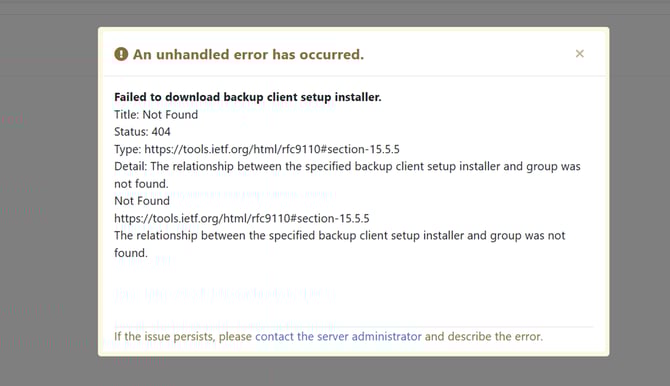
An unhandled error has occurred.
Failed to download backup client setup installer. Status: 404 Detail: The relationship between the specified backup client setup installer and group was not found.
Resolution
Before attempting to download the installer, ensure the correct installer version has been selected and enabled for your group:
- Log in to the NovaBACKUP Managed Portal.
- Navigate to your Master Group and open its Properties.
- Click on the Backup Client Installers tab.
- Locate the installer version you wish to download.
- Ensure the installer has a checkmark next to it, indicating it is active and associated with your group.
- If no checkmark is present, select/enable the installer. (Example below)

Once the checkmark is confirmed, return to the download and try again.
Additional Notes
- This step must be completed before any end user attempts to download their build from the portal.
- If the issue persists after confirming the checkmark, please contact NovaBACKUP Support and reference this error along with your group name.
Last Updated: March 2026